Getting started
Welcome to SpudSuite
SpudSuite is a set of team tools that grow together: one workspace, one sign-in, one search and one inbox across every product. Your pages can show live issues, your chats can preview your pages, and your plans are built from the work your team is already tracking.
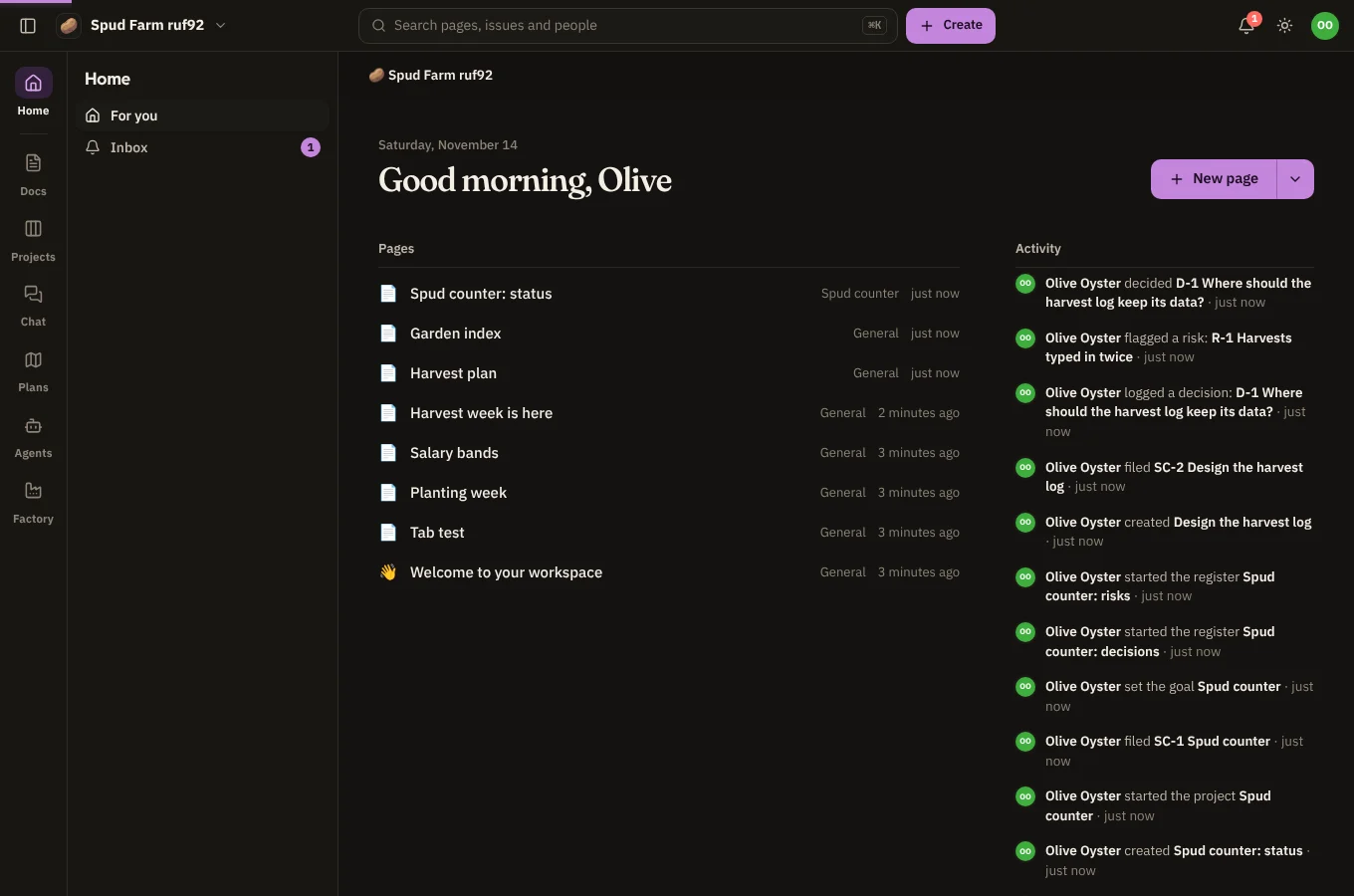
The products
| Product | What it's for |
|---|---|
| Docs | Pages and wikis, written together live: meeting notes, plans, how-tos, decisions. See Spaces and pages. |
| Projects | Work tracking: issues on boards, backlogs and sprints, releases and reports. See Projects and issues. |
| Chat | Channels, direct messages and threads, with files, search and reactions. See Channels and direct messages. |
| Plans | Roadmaps, goals and OKRs, risk registers, decision logs and decision matrices. See Plans at a glance. |
| Agents | AI workflows that run on your own machines and act in Docs, Projects, Chat and Plans. See Agents: getting started. |
| Factory | Builds software from a goal, with Claude Code threads that run on your own runners. See Factory. |
Each product has its own address (docs.spudsuite.com, projects.spudsuite.com and so on), but they all share the same workspace and the same sign-in. Move between them with the rail, the column of icons down the left side.
Getting going in five minutes
- Sign in with your email. There's no password to forget unless you want one.
- Plant a workspace for your team, or accept an invitation to someone else's.
- Write your first page in Docs. A welcome page is waiting for you with a few tips.
- Invite your team so there's someone to write with.
- Have a look around: Finding your way covers search, the inbox and the shortcuts.
Where things are
- The rail (left edge): Home, Docs, Projects, Chat, Plans, Agents and Factory. A number on Chat means unread messages.
- The sidebar (next to the rail): what's in the product you're in, such as spaces and pages in Docs, or channels in Chat. Hide it with Ctrl \ (⌘ \ on a Mac).
- The top bar: switch workspace on the left, search everything in the middle, Create for a new page, issue, channel, project or space, then the inbox, light or dark, help (?) and your account on the right.
Spud
The small potato you'll meet in empty corners is Spud. Spud is here to cheer you on and will never get in the way of your work. If something goes wrong, it's Spud's fault, not yours.