Factory
Threads, decisions and steering
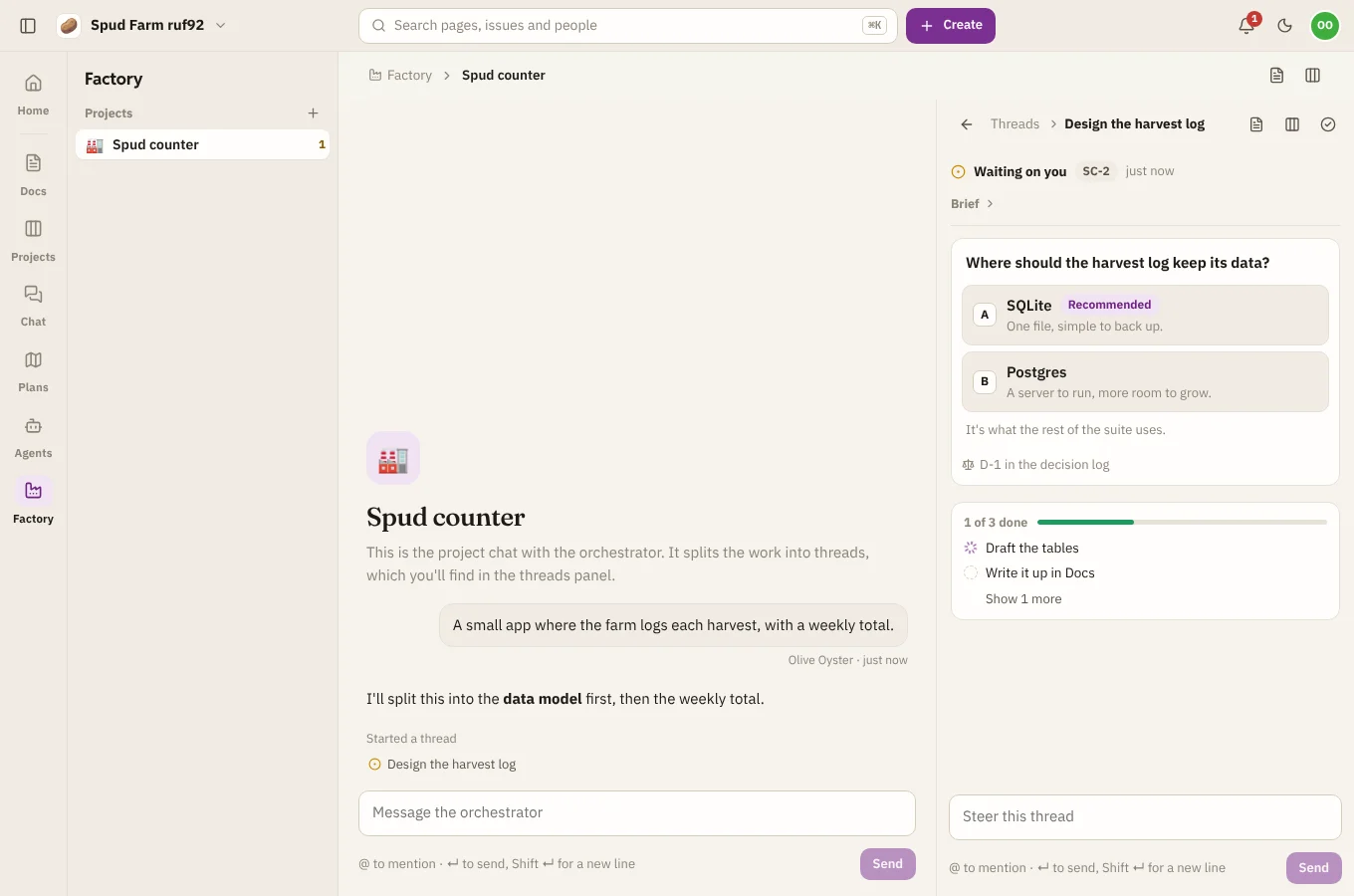
Each piece of work in a Factory project happens in a thread: a Claude Code session with its own checklist, working on its own branch of the code (factory/<thread>). The orchestrator starts threads; you follow them, answer their questions and steer them.
Following threads
The Threads panel lists every thread with where it's at:
- Working: busy on its checklist.
- Waiting on you: it has a question. These sit at the top.
- Ready for review: it thinks it's done and wants a look.
- Done.
Open a thread to see its messages, its checklist and what it's changed. Search threads, or filter them, from the top of the panel.
Decisions
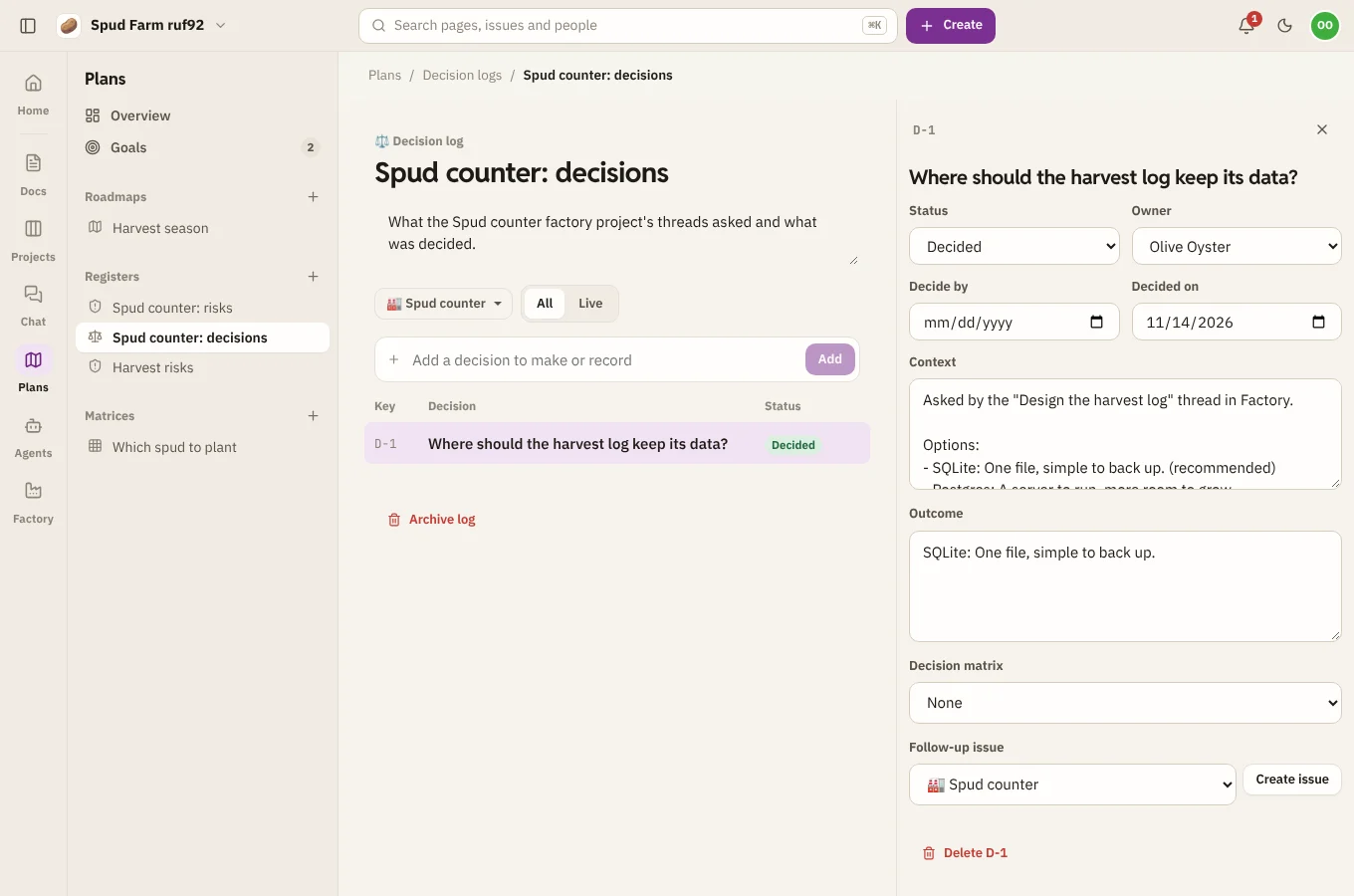
When a thread needs you to choose, it asks a multiple-choice question with a recommended option. Pick one and the thread carries on. Every question and answer goes into the project's decision log in Plans, so you can look back at why things are the way they are.
Steering
There are three ways to tell Factory something:
- In Factory: write in a thread (Steer this thread), or in the project chat to reach the orchestrator.
- On a thread's page or ticket: comment on the thread's page in Docs, or its ticket in Projects, and the thread reads it.
- On the status page: comment on the project's status page in Docs to reach the orchestrator.
So a teammate who lives in Docs or Projects can steer the work without opening Factory.
Stopping and finishing
- Stop this thread stops it where it is.
- Mark done closes a thread you're happy with; its ticket moves to Done.
Progress in Plans
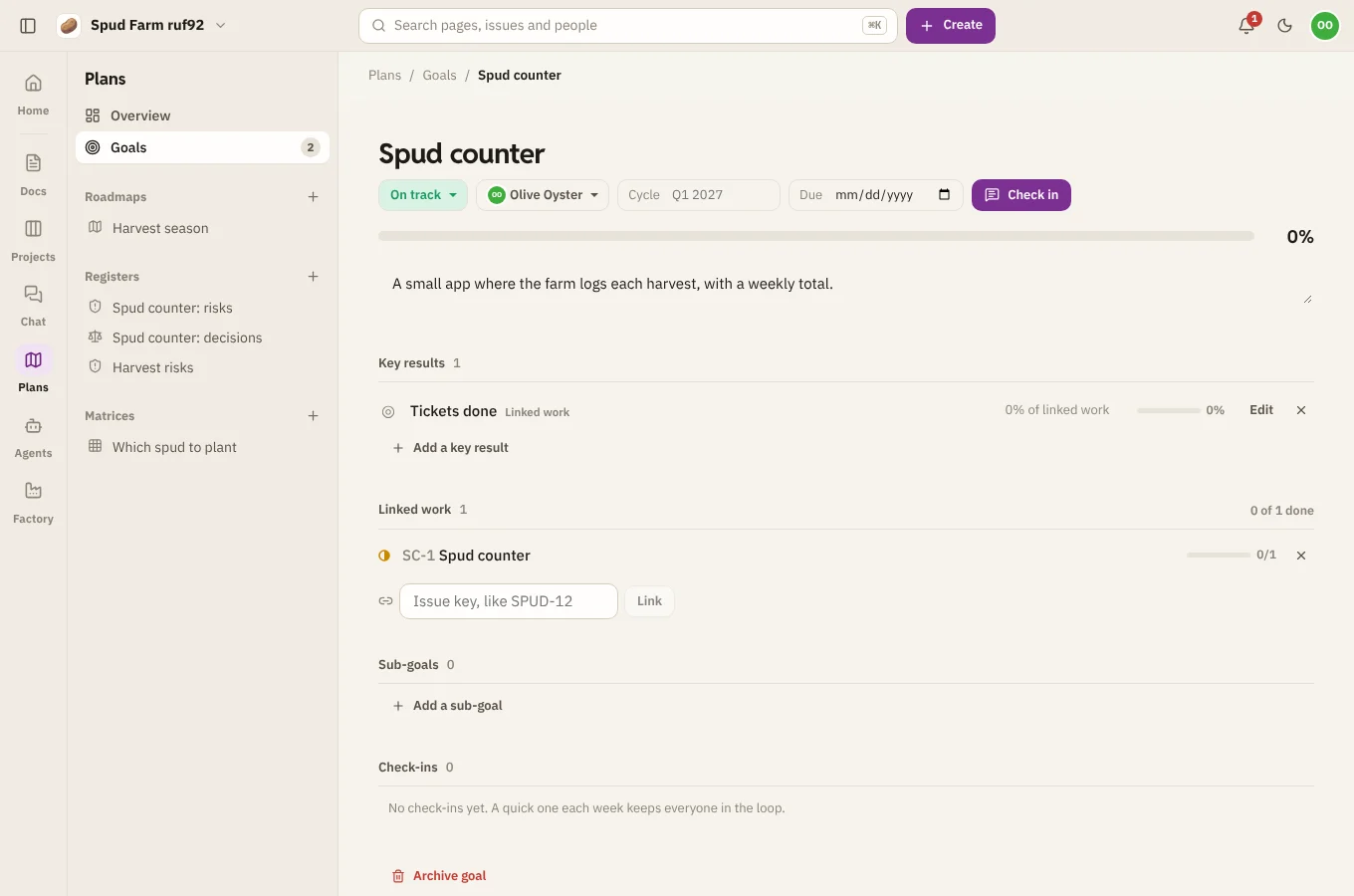
The project's goal in Plans has a Tickets done key result that follows the epic, so its progress moves as threads finish. Threads log risks they spot to the project's risk register, scored by likelihood and impact.