Factory
Factory
Factory builds software from a goal. You tell an orchestrator what you want, and it splits the work into threads, each one a Claude Code session working on its own branch. Threads keep a checklist, ask you when they need a decision, and write their progress into Docs, Projects and Plans so the whole team can follow along.
Everything runs on runners you install, with Claude Code signed in on that machine. Nothing runs on SpudSuite's side.
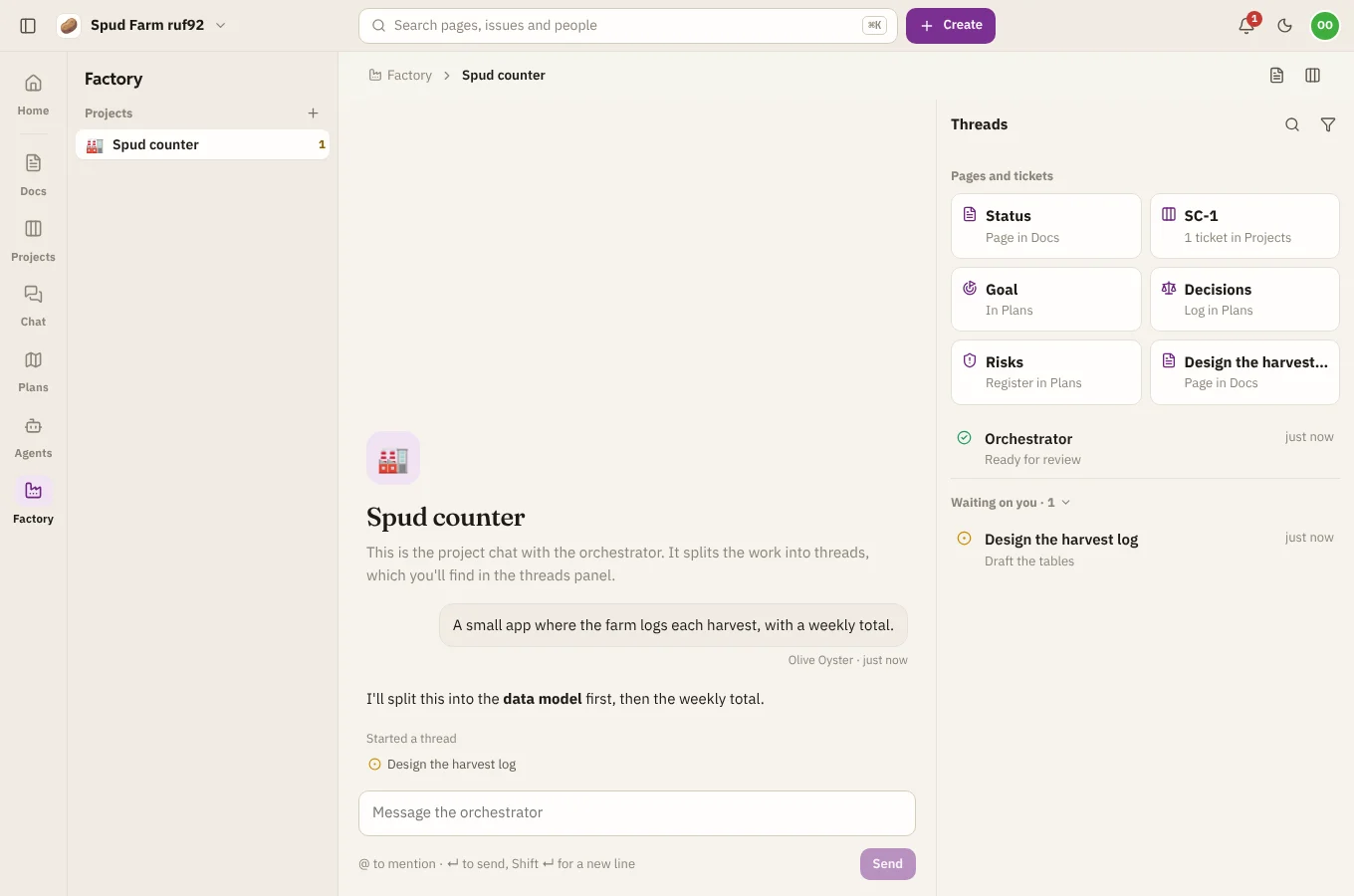
Start a project
- Open Factory on the rail and choose Start a project (or + next to Projects in the sidebar).
- Give it a name, and say what it should build, such as "A small web app where my team logs the potatoes we grow, with a weekly summary by email". You can leave it blank and tell the orchestrator in the project chat instead.
- Optionally give a repository to work in. Without one, it starts a fresh one.
- Pick the runner it runs on, or let any runner in the workspace take it.
- Choose Start.
You need a runner with Claude Code set up first: see Runners and Claude.
What a project makes
Starting a project also sets up a home for it across SpudSuite:
| Where | What |
|---|---|
| Docs | A space with a status page that Factory keeps up to date, and a page for each thread |
| Projects | A project with an epic, and a ticket for each thread. A ticket's status follows its thread: working is In progress, waiting or ready for review is In review, done is Done. |
| Plans | A goal whose progress follows the tickets, a decision log of every question asked and answered, and a risk register threads add to |
The cards at the top of the threads panel open each of these.
The project chat
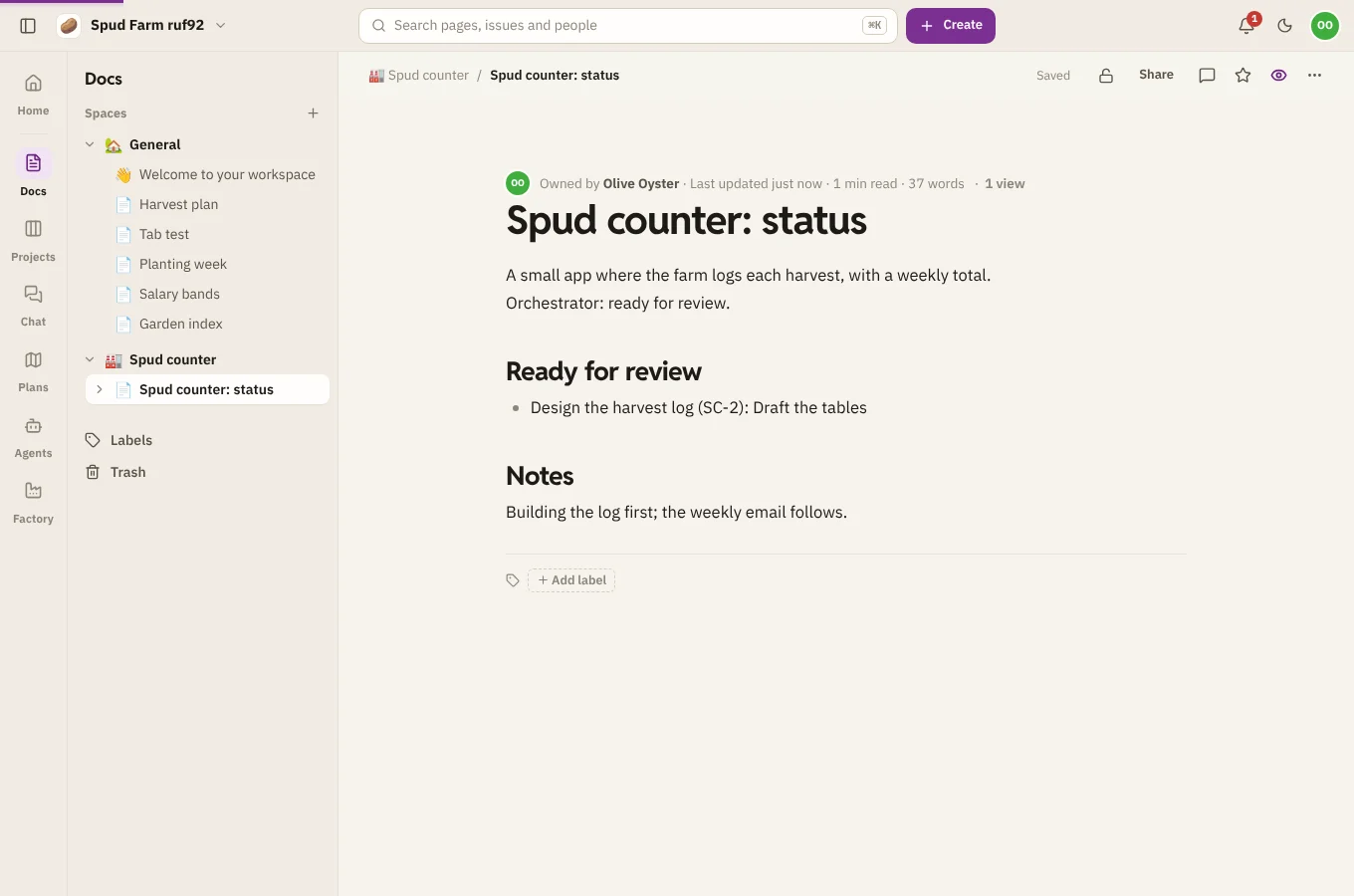
The middle of a project is the chat with the orchestrator. Tell it what you want, answer its questions, and ask how things are going. It starts threads as it splits up the work, and they show up in the threads panel on the right. See Threads.
Who can do what
Workspace members can start projects and steer them. Guests can follow along but not steer.