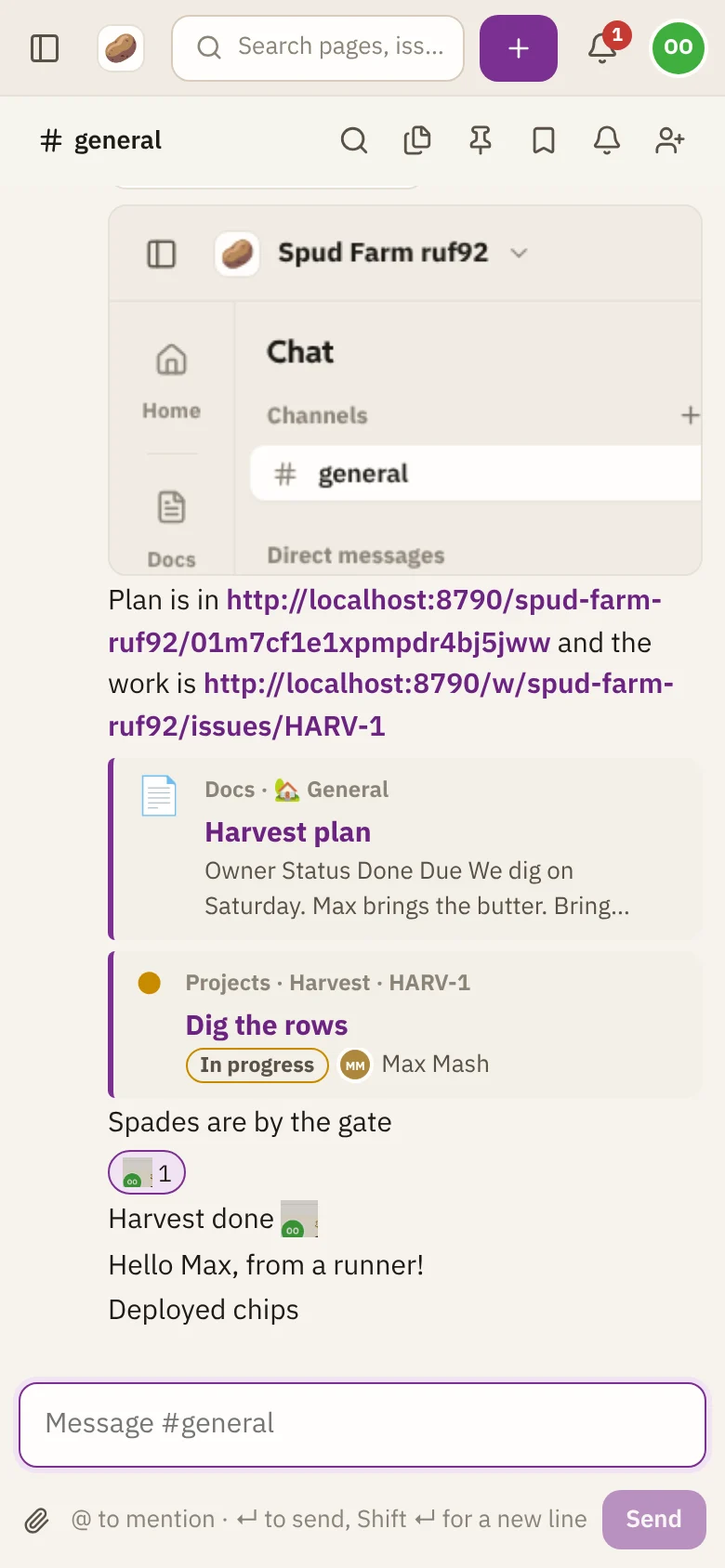
Chat
Channels and direct messages
Chat is where your team talks, live. Conversations happen in channels, shared spaces for a team or a topic, and in direct messages between two or more people.
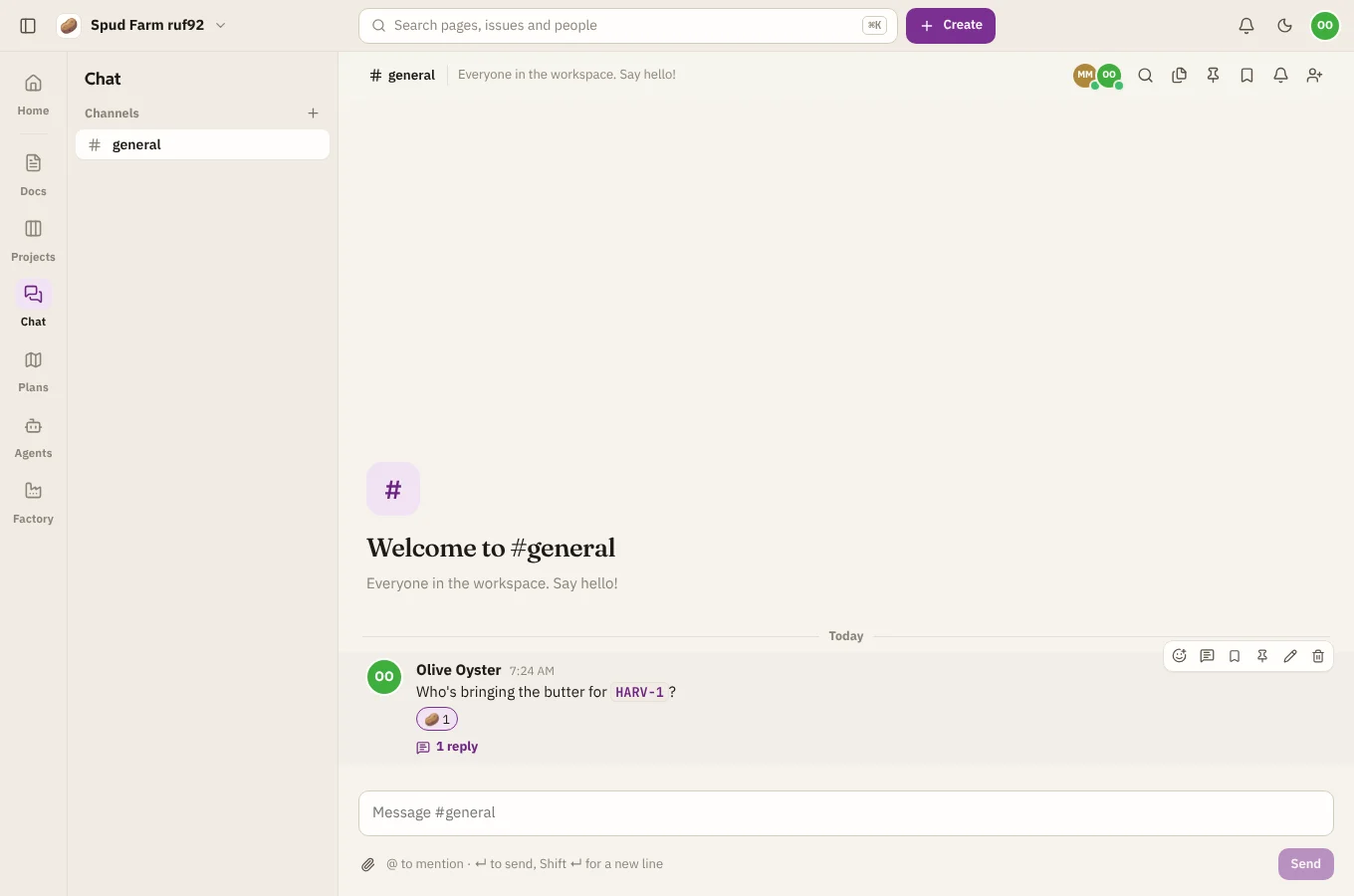
Channels
Every workspace has #general, which everyone is in. To make another, choose + next to Channels in the Chat sidebar (or Create › Channel or message), then New channel. Give it a short name like spud-launch, a topic that says what it's for, and choose who can find it:
- Open: anyone in the workspace can find and join it.
- Private: only people you add can see it or its messages.
To join an open channel someone else made, open it from New channel or message and choose Join to chat. To bring someone into a channel, choose Add people at the top of it.
Direct messages
Choose + next to Direct messages, pick one or more people, and choose Open conversation. Only the people in a direct message can see it. A direct message with several people works like a small private channel.
What's new
- Channels with unread messages are bold in the sidebar.
- The number on Chat in the rail counts your unread messages across every conversation.
- The coloured dot on someone's avatar means they're online now.
- When someone is typing, you'll see it under the message box.
On a phone
Chat works in your phone's browser. Tap the menu at the top left to switch conversations.