Agents
Blueprints
A blueprint is a packaged workflow, with the agents, skills and triggers it needs, ready to adopt. Adopting one gives you your own copy, wired to your connections, and you can upgrade it when a new version comes out.
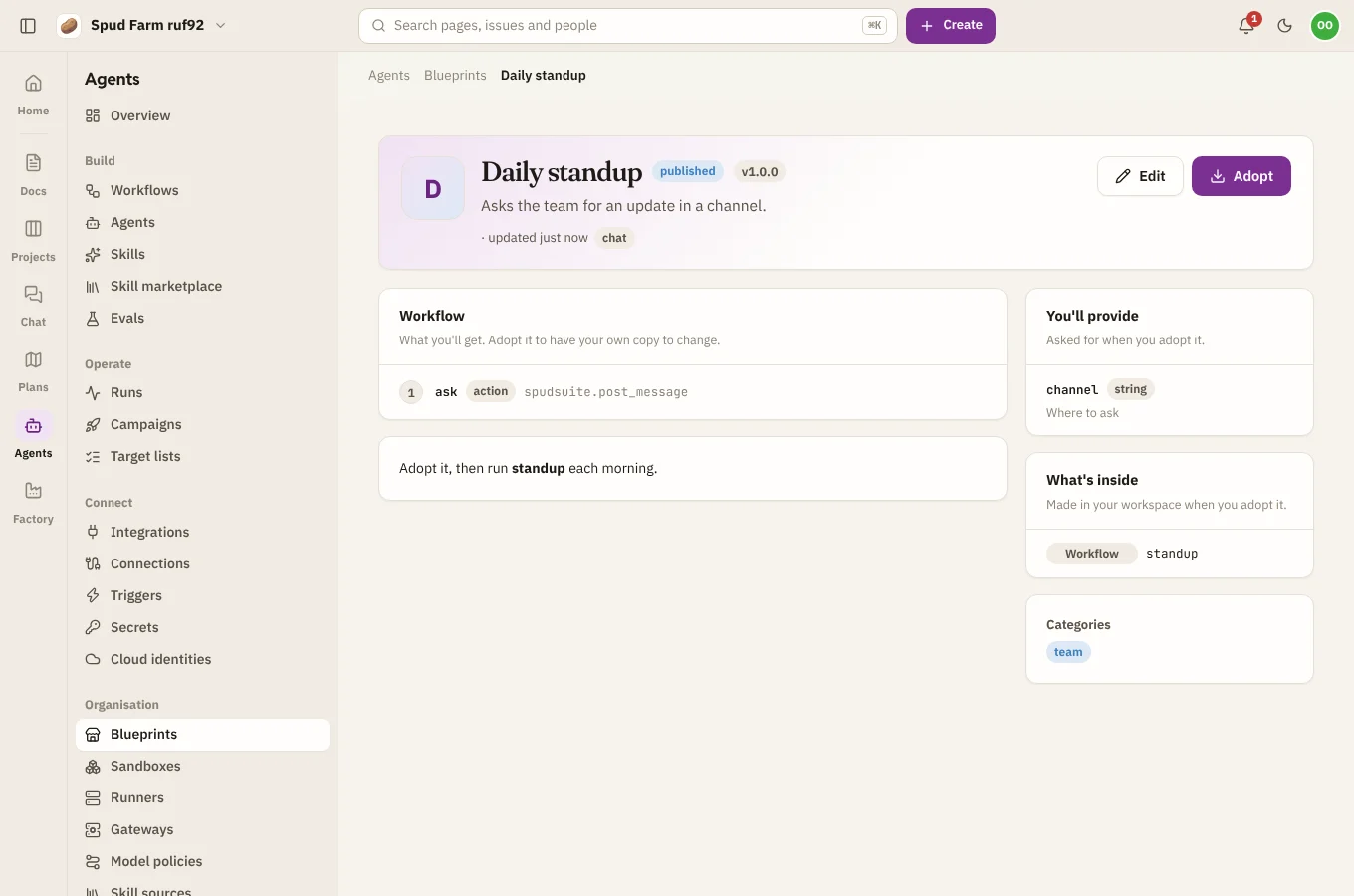
Adopt a blueprint
- Open Organisation › Blueprints and browse the Catalog by category, or search. The first time, choose Add the ready-made ones to bring in SpudSuite's own blueprints, such as reviewing GitHub pull requests, fixing Jira bugs or a Slack release check.
- Open one to see what's inside, its README, and what you'll need to provide.
- Choose Adopt and fill in its parameters: which connection to use, the name of a secret, a channel, and so on.
- Optionally give a name prefix. Every resource it makes is named
<prefix>-<name>, so you can adopt the same blueprint more than once side by side. - Check the Preview of what will be made, and choose Adopt.
What it makes are ordinary workflows and resources. Change them however you like.
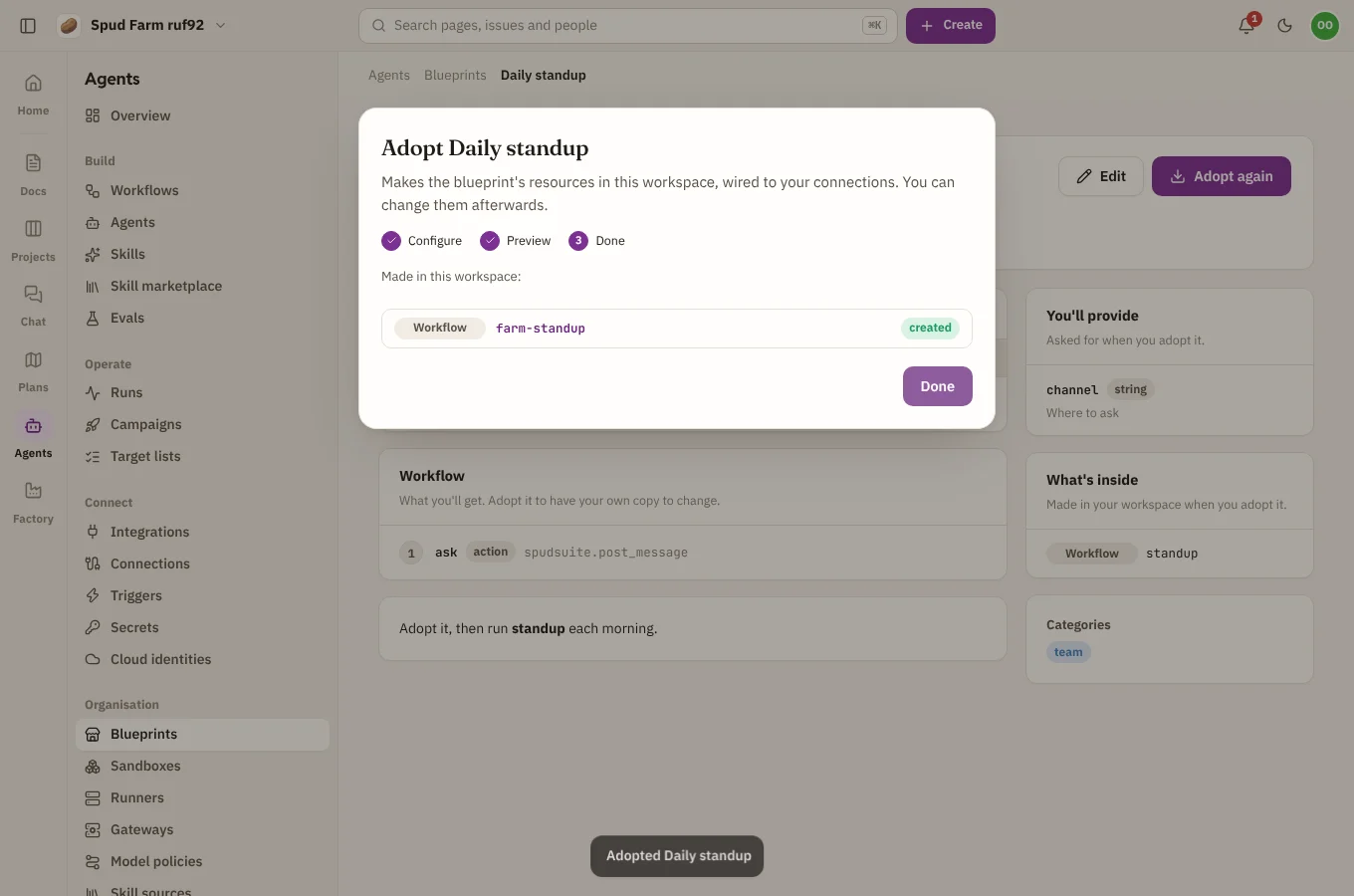
Upgrade, change or remove
Under Adopted here:
- Upgrade makes the resources again from a newer version of the blueprint. Your parameters carry over; new ones are asked for. The preview shows what will be made, updated or removed.
- Change parameters makes them again with new parameters.
- Remove deletes what the adoption made. Anything you changed outside the adoption is kept.
Publish your own
Choose Publish a blueprint to package resources for others in your workspace: give it a title, summary, categories and README, list its parameters (what people fill in), and write its resources using {{ params.<name> }} and {{ prefix }} where adopters' values go.