Chat
Search, pins and saved messages
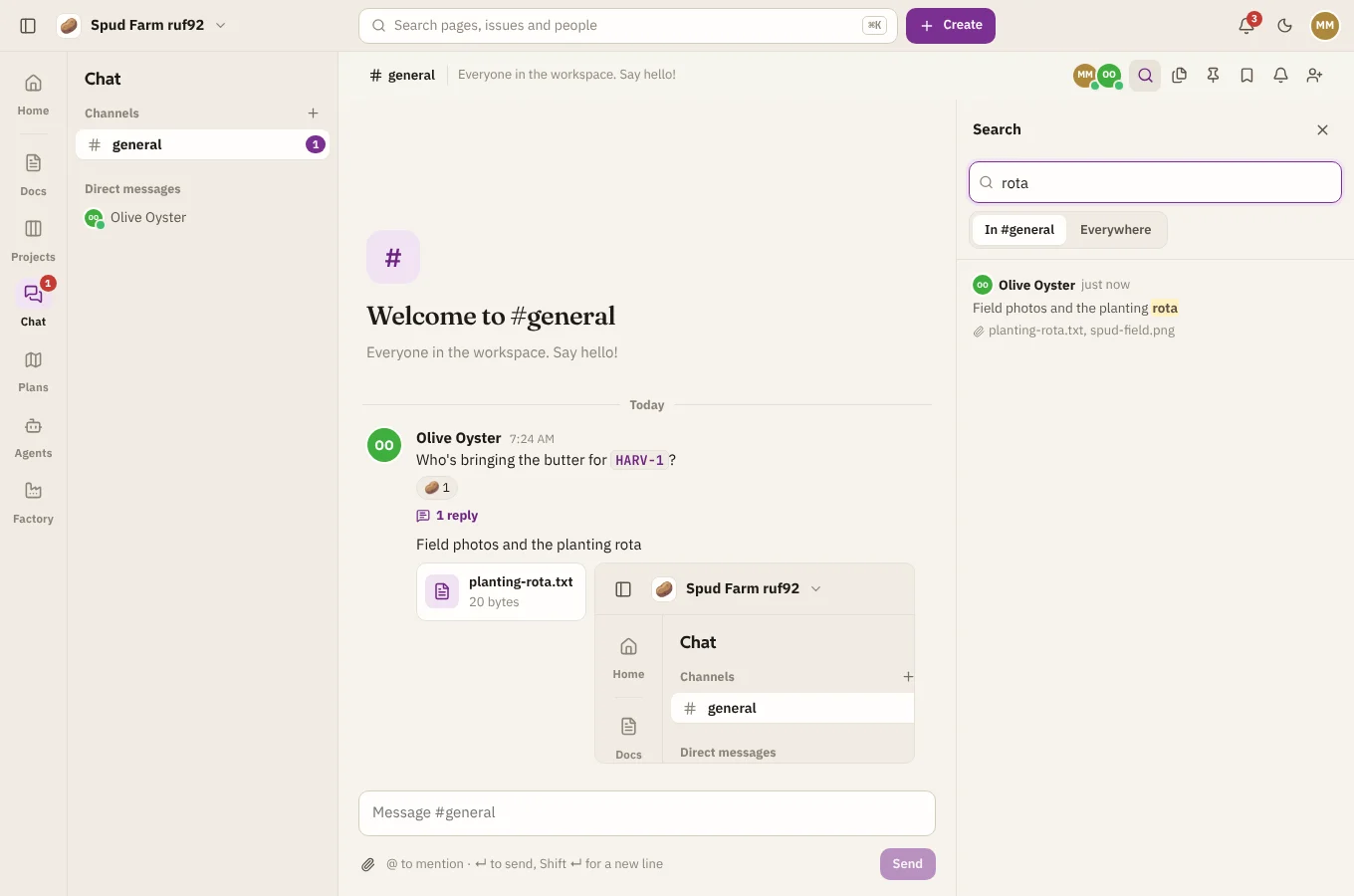
Search
Choose Search at the top of Chat to find what was said or shared. Each word matches the start of a word, so "pota" finds potatoes. Choose whether to search this conversation or everywhere you can read. File names are searched too.
Pinned messages
Pin a message to keep it handy for everyone in the conversation, such as the meeting link or the rota. Open the message's ⋯ menu and choose Pin to the conversation. Choose Pinned at the top of the conversation to see them.
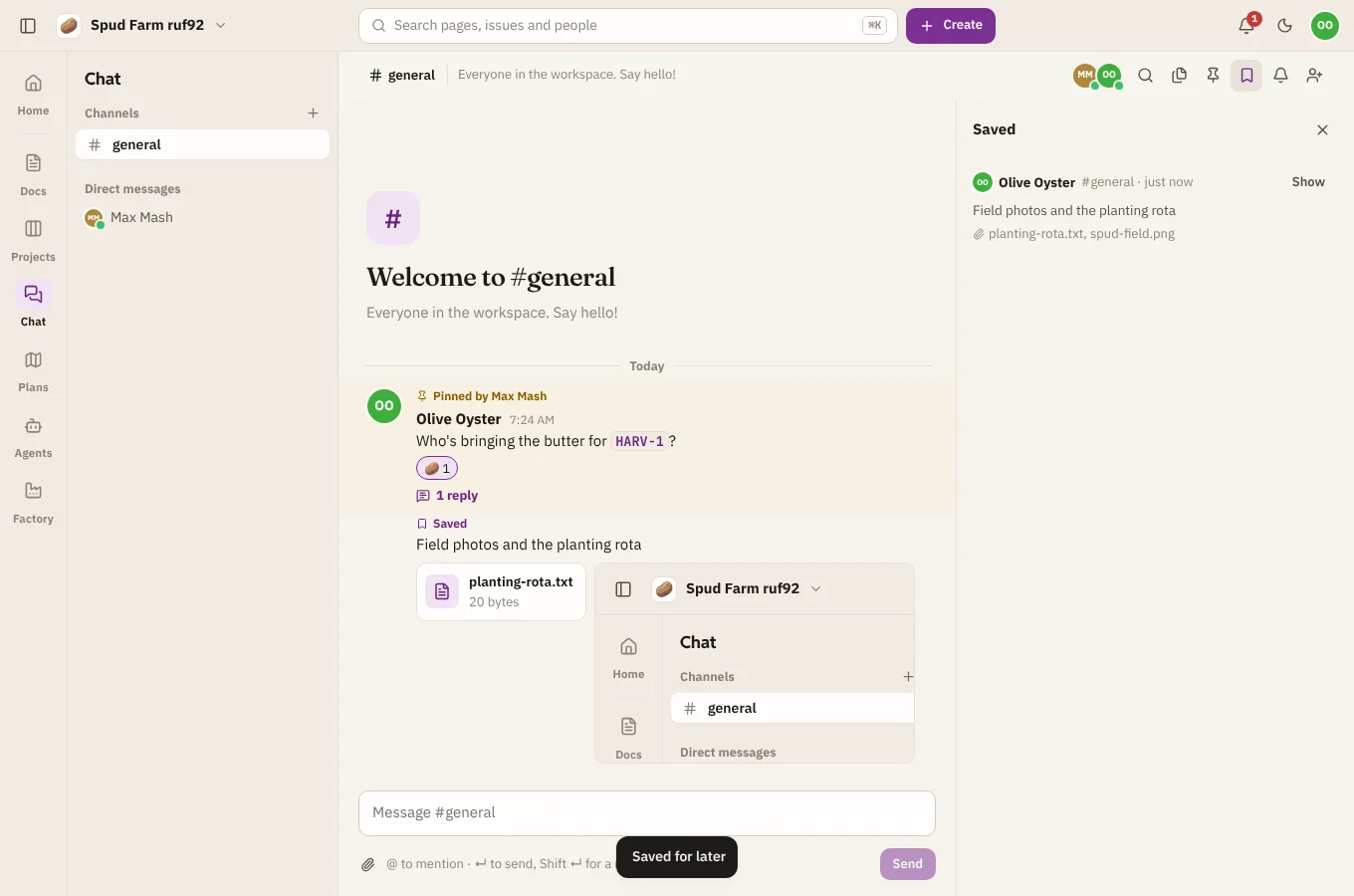
Saved for later
Save a message to come back to it. Only you see what you've saved, from every conversation. Open the message's ⋯ menu and choose Save for later, then find it under Saved at the top of Chat.