Plans
Plans at a glance
Plans is where your team says where it's going and why. It's built on the work that already lives in Projects, so your roadmap and goals move as issues get done.
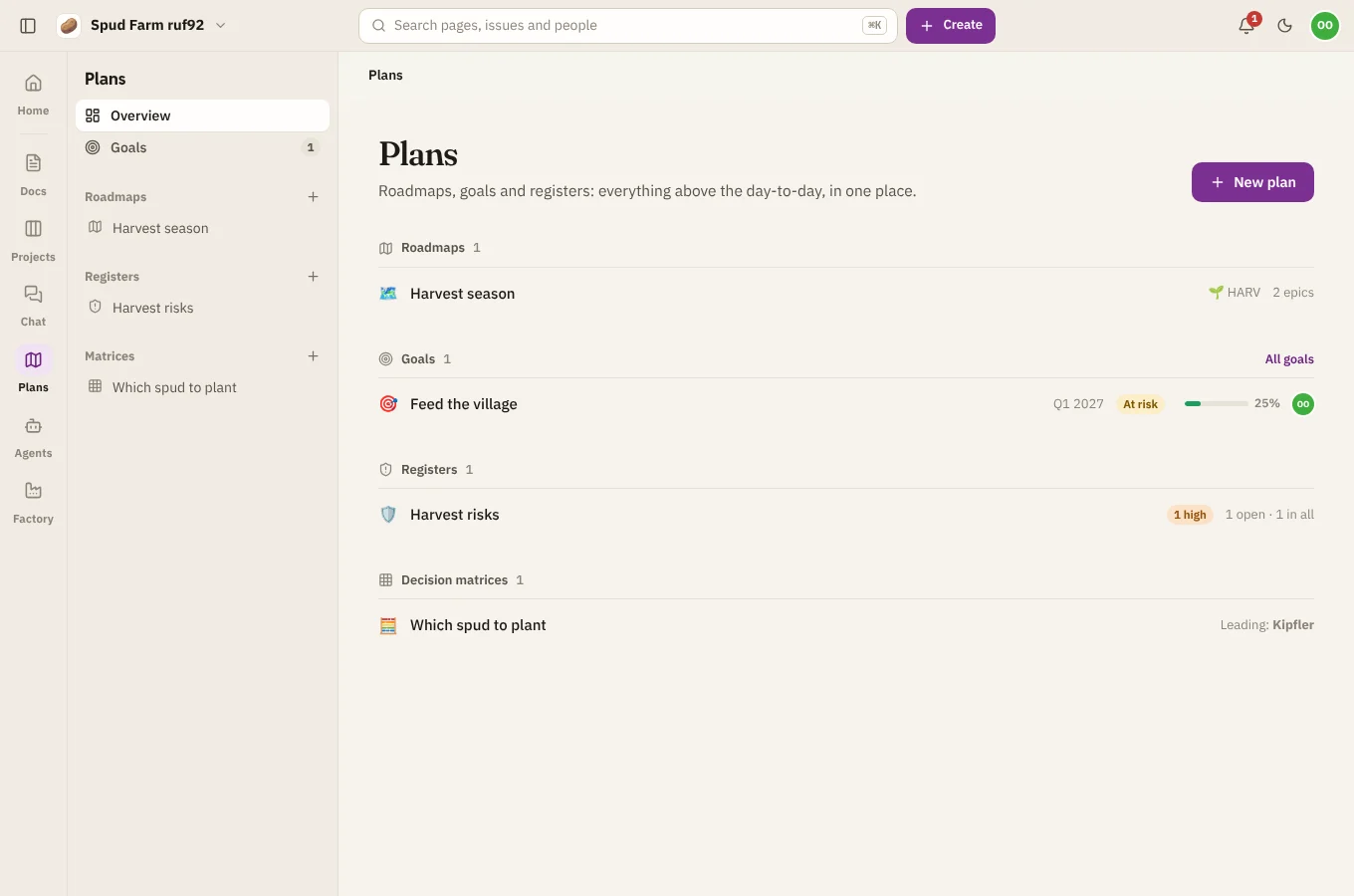
Plans has four kinds of plan. Make any of them with New plan in the Plans sidebar.
| Plan | What it's for |
|---|---|
| Roadmap | The epics of the projects you choose, as bars on a timeline you can drag |
| Goal | An objective with key results you check in on, like OKRs |
| Risk register and decision log | What could go wrong, scored and owned; and what was decided, when and why |
| Decision matrix | Options scored against weighted criteria, with the sums done for you |
The Overview shows them all: how each goal is doing, the roadmaps, and the registers and matrices.
Who can do what
Every member of the workspace can see and change every plan. Guests can look but not change anything.
Plans and Projects
Plans never keeps a second copy of your work. A roadmap's bars are the epics' own start and due dates, so moving a bar in Plans moves the dates in Projects, and the other way round. Issues made from Plans (a new epic on a roadmap, a follow-up from a register) are ordinary issues in Projects.