Agents
Integrations, triggers and secrets
The Connect part of Agents is where you say what your workflows can reach and what starts them: integrations and connections to other services, triggers that start runs on their own, and the names of the secrets your runners hold.
Integrations
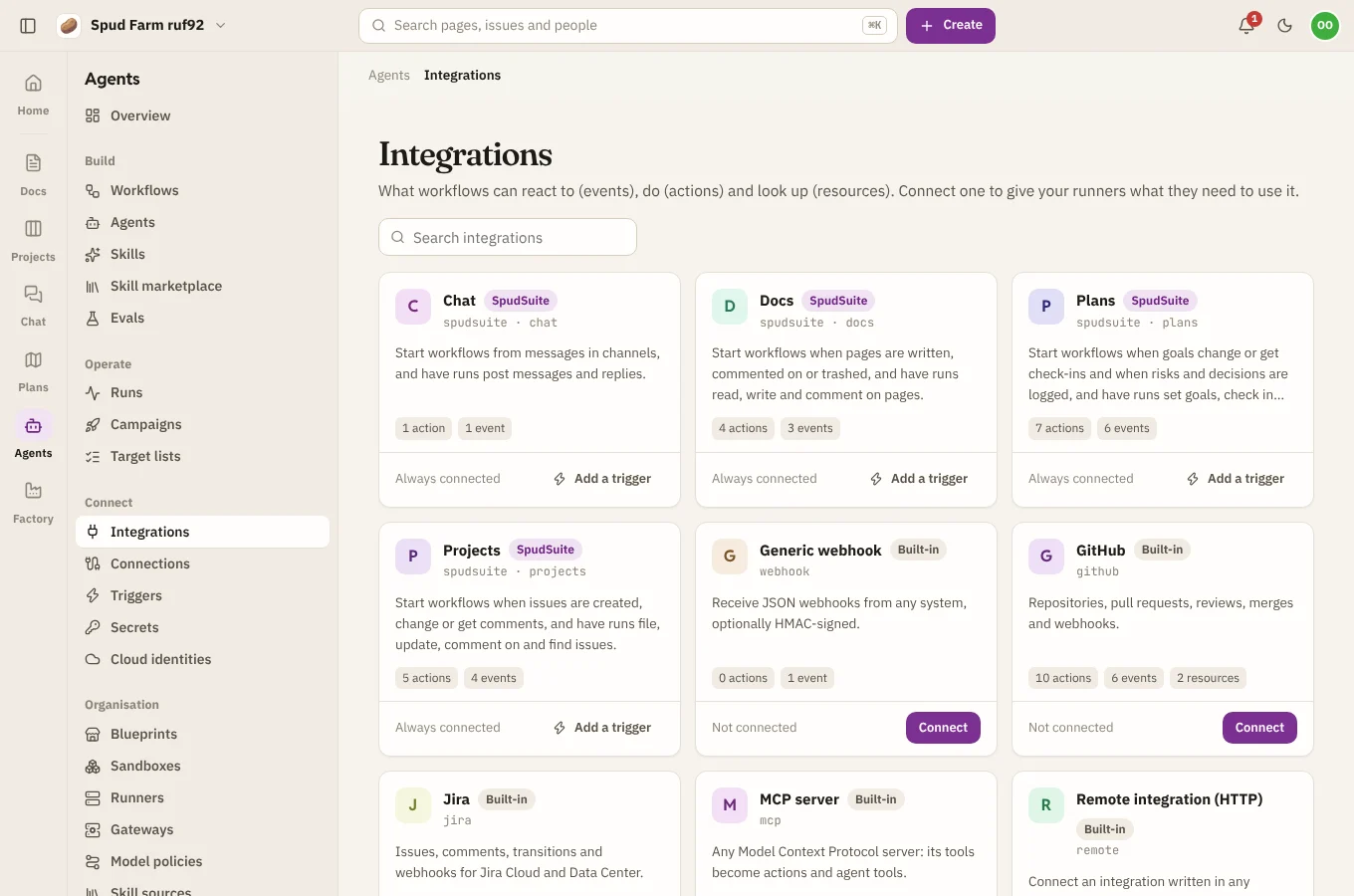
Integrations is the catalog of what workflows can use: GitHub, Jira, Slack, webhooks and more, plus SpudSuite itself (one card each for Docs, Projects, Chat and Plans). Each card says what the integration can react to (events), do (actions) and look up (resources). Runners add any extra integrations installed on them.
Connections
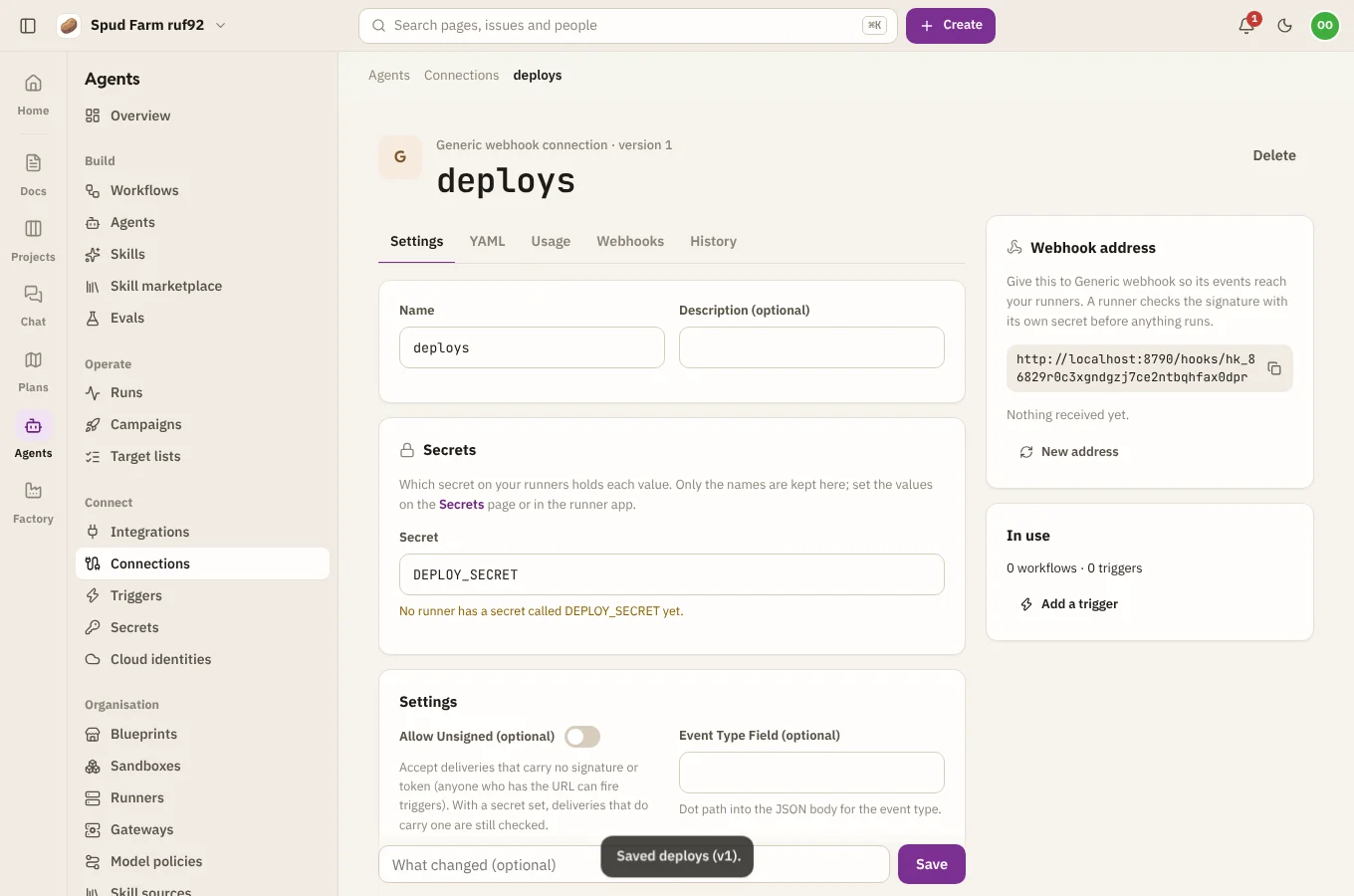
A connection is an integration set up for your workspace: its settings, which secret on your runners holds each of its keys, and a webhook address for its events. Open an integration and choose Connect, or go to Connections › New connection.
- Settings that aren't secret (an organisation name, a base URL) are kept in SpudSuite.
- Keys and tokens are only ever named, such as
GITHUB_TOKEN. Their values stay on your runners (see Secrets), and SpudSuite refuses to save a value in a connection. - The connection page shows which runners hold the secrets it needs, so you can see where its workflows can run.
Workflows use a connection by its name, like connection: github. SpudSuite's own connection, spudsuite, is always there.
Webhooks
Each connection has its own webhook address, like https://agents.spudsuite.com/hooks/hk_…. Point the service (GitHub, Jira, Slack, your own app) at it. SpudSuite passes each delivery to a runner, which checks its signature with its own copy of the secret and fires any triggers that match. The connection's Webhooks tab lists each delivery and what the runner made of it. Make a new one replaces the address if it ever leaks; the old one stops working straight away.
Triggers
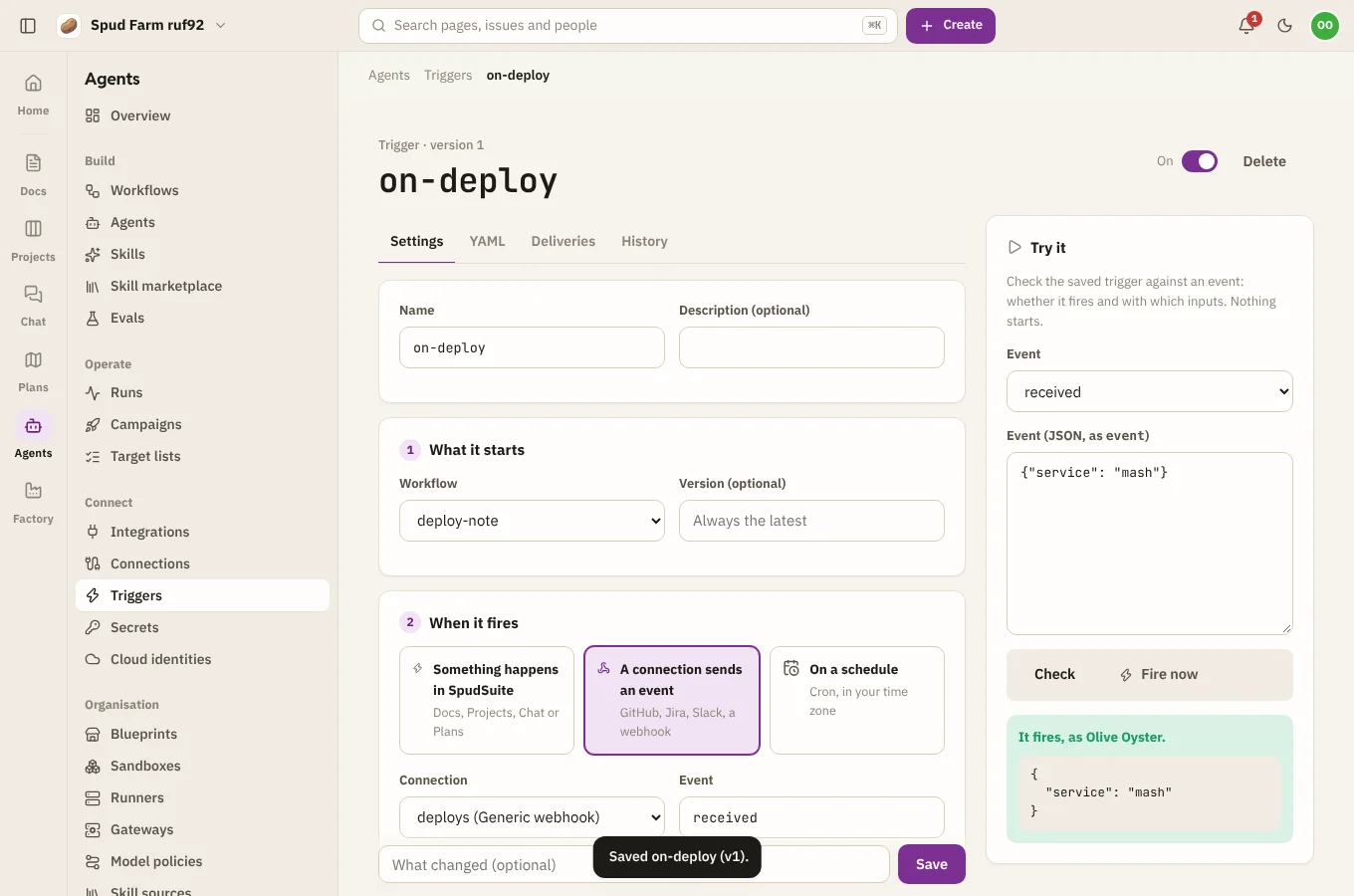
A trigger starts a workflow by itself. Go to Triggers › New trigger and pick what starts it:
| Starts on | Such as |
|---|---|
| Something happens in SpudSuite | An issue is created, moves status or gets a comment; a message is posted; a page is created, trashed or commented on; a goal is checked in; a risk is added |
| A connection sends an event | A pull request is opened on GitHub, a Slack message arrives |
| A schedule | Every weekday at 9:00 in your time zone, written as cron (0 9 * * 1-5), with a preview of the next five times |
Then narrow it down and say what the run gets:
- Event: use
*for any part, as inissue.*. - Conditions: match on fields such as project, status, type, priority, space, channel or who did it.
- Filter: an expression for anything else, like
{{ event.issue.priority == 'urgent' }}. - Workflow inputs: fill each of the workflow's inputs from the event, such as
{{ event.issue.key }}. - Dedupe key: an event with a key already seen starts nothing.
- Rate limit: at most so many runs over a time, such as 10 per hour.
- Overlap: skip a new run while one it started is still going.
Try it before it's live
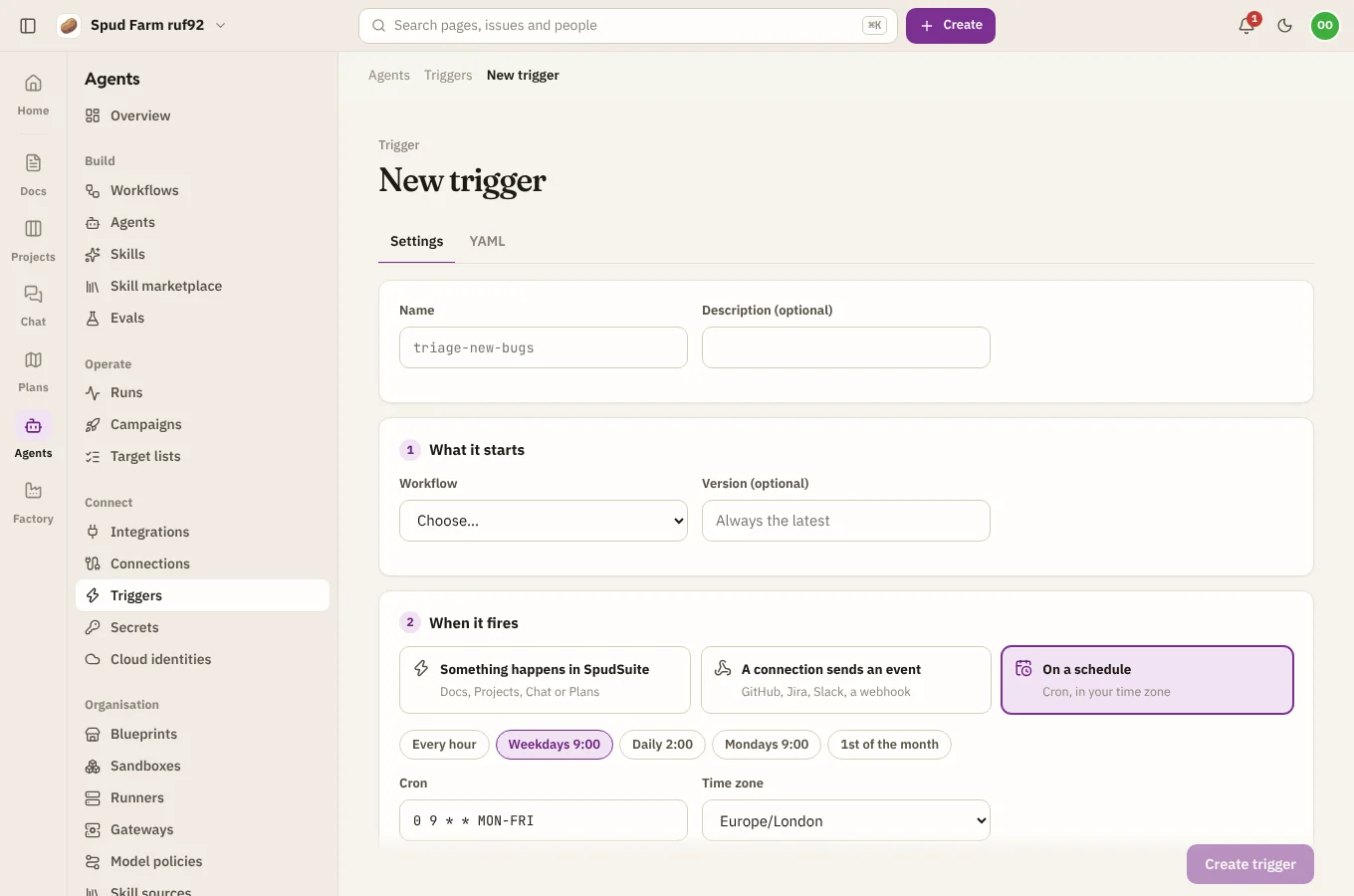
Check tests the saved trigger against an example event: whether it fires and with which inputs. Nothing starts. Fire now starts a real run with the event you give it.
Deliveries
The Deliveries tab lists every event or schedule time that reached the trigger, with the run it started, or why it didn't start one: filtered out, a duplicate, rate limited, skipped because a run was still going, or an error.
Who a run acts as
A run started by a trigger acts as whoever last saved the trigger, with exactly their permissions in Docs, Projects, Chat and Plans. If they leave the workspace, the trigger logs an error until someone else saves it. A run's own changes never set off the trigger that started it.
Secrets
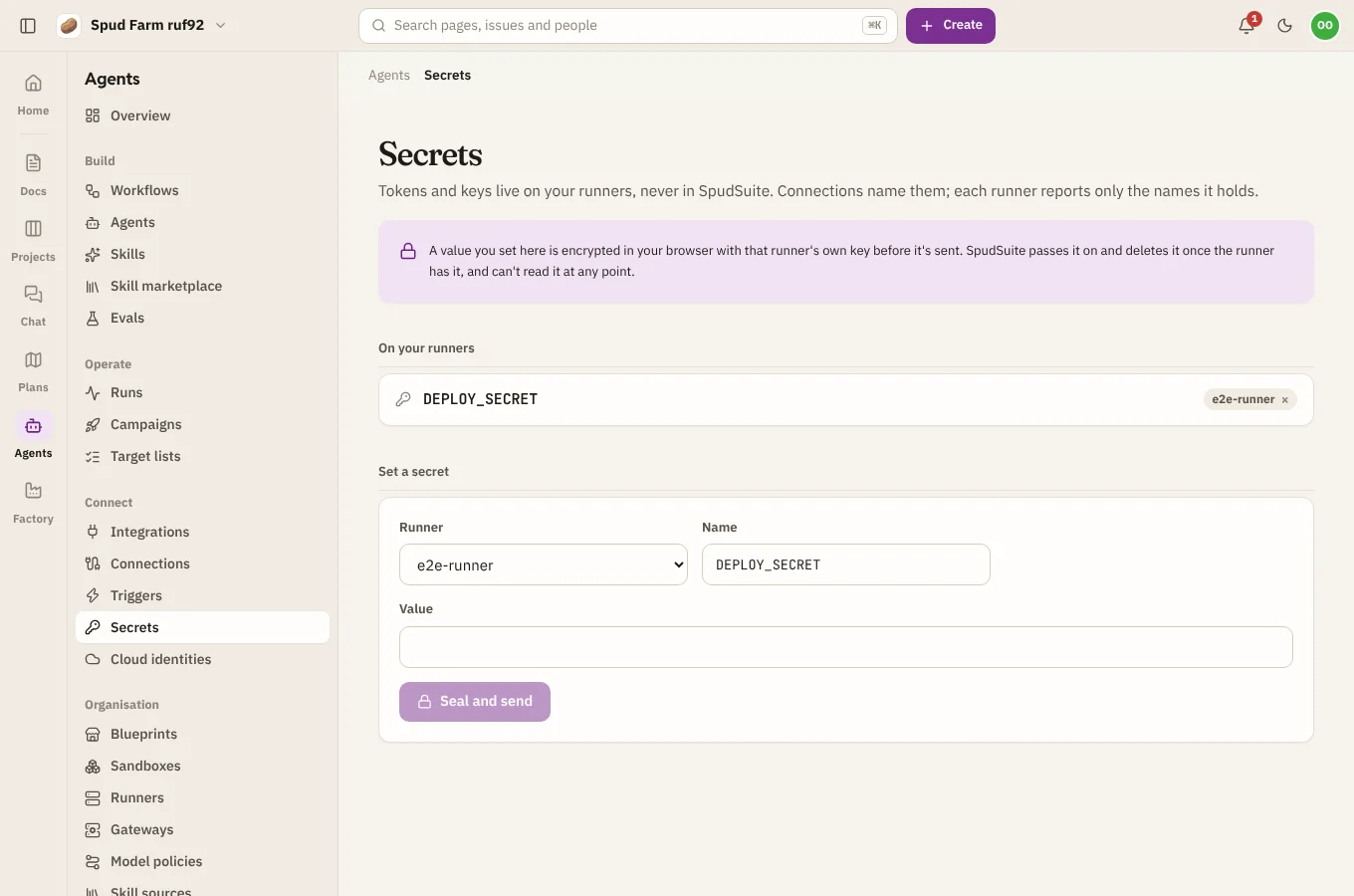
Secrets (API keys, tokens, passwords) live on your runners, never in SpudSuite. The Secrets page lists the names each runner holds, so you can see what's set where, without ever showing a value.
To set a secret:
- In the runner app on that machine (see Installing a runner), or with the runner's command line on a server.
- From SpudSuite: choose Set a secret, pick the runner, type the name and value, and choose Seal and send. Your browser encrypts the value with that runner's own key before it leaves your computer. SpudSuite passes the sealed value on and deletes it once the runner has it, and can't read it at any point.
Workflows refer to secrets by name (secrets.SLACK_TOKEN), and connections and gateways name the secret that holds their key. Never paste a secret's value into a workflow, a chat or the assistant.