Agents
Evals and campaigns
Evals check that a workflow does what you expect, by running it on test cases and scoring what comes out. Campaigns run a workflow over a whole list of targets, such as every repository, within limits you set. Both run on your runners, never in SpudSuite.
Evals
Make one under Build › Evals. An eval names a workflow, a set of cases, and the graders that score each case.
- Cases: each has a name, the workflow inputs to run it with, and what you expect. You can also import cases from an eval platform's dataset.
- Graders: each scores a case from 0 to 1, and a case's score is their weighted mean.
| Grader | How it scores |
|---|---|
| Expression | An expression over outputs, expect, inputs and run: true scores 1, false 0, or give a number |
| JSON Schema | The output must match a schema |
| Judge model | A model places the output on a rubric's levels, worst first |
| Decision | A decision model answers a score or yes-or-no question about it |
- Threshold: a case passes when its score is at least this.
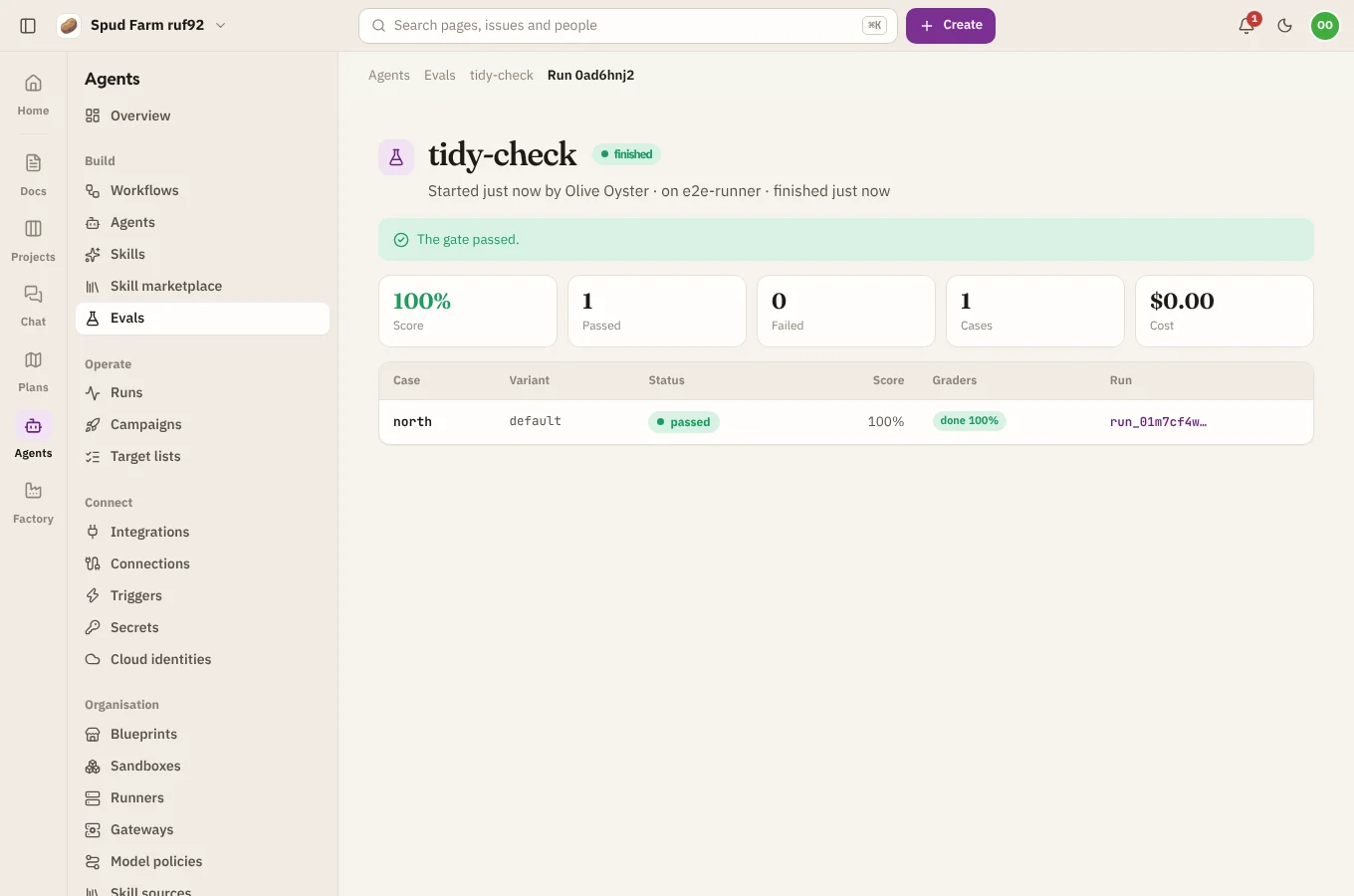
- Gate: the whole eval run fails if its score falls below a bar (
fail_under), or drops too far from a baseline run (max_regression). Handy before shipping a change to a workflow. - Variants: compare versions of the workflow side by side.
Choose Run to start it (pick only some cases if you like). A runner takes it on its next check-in, runs each case through the workflow, and grades it. Results show as they come in, worst first, and Export results downloads them. Send each run's traces and scores to Braintrust or Langfuse by adding an eval platform.
Campaigns
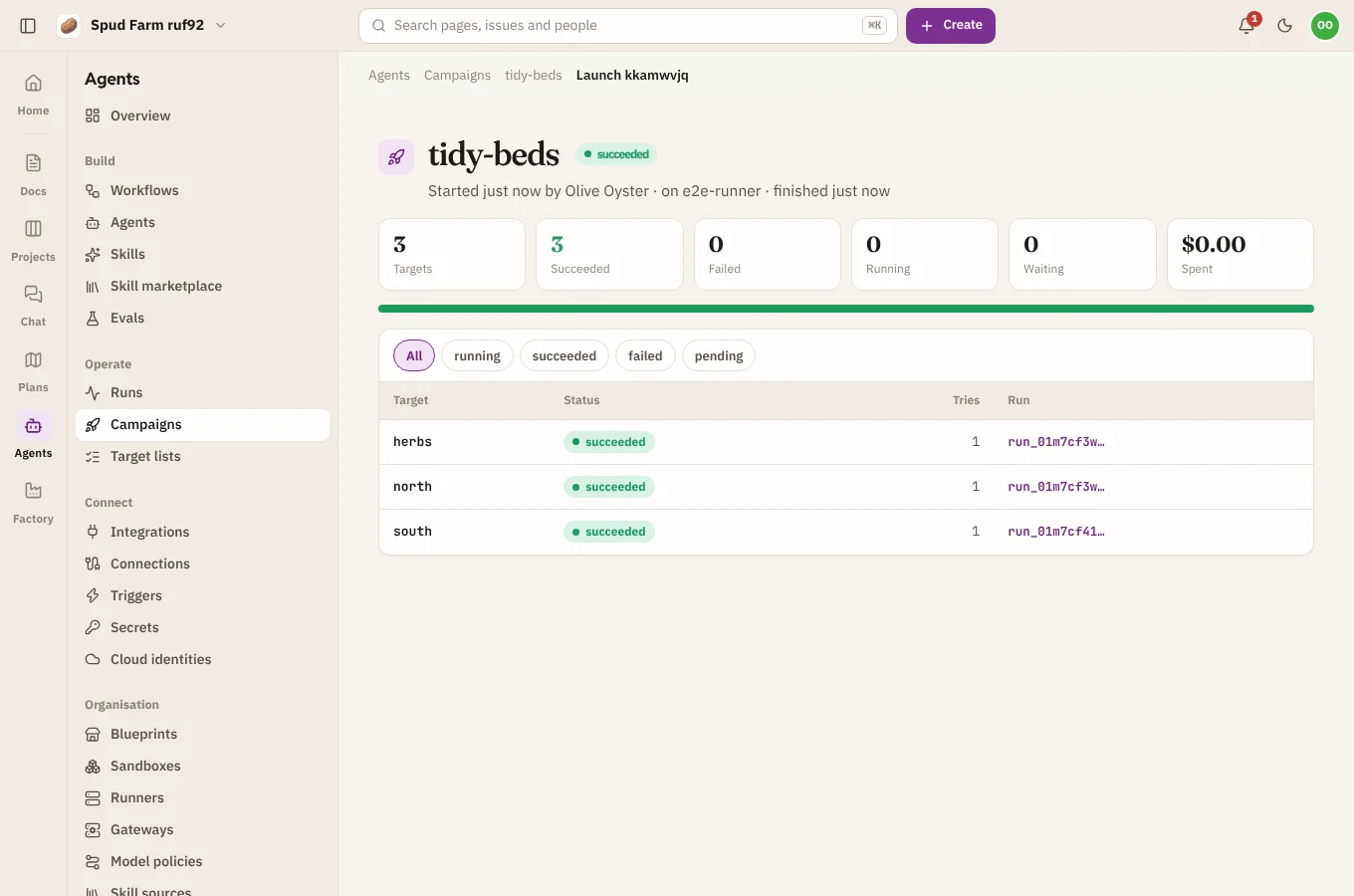
Make one under Operate › Campaigns. A campaign names a workflow, its targets (a target list, or targets listed in the campaign), and the inputs for each run, written as expressions over the target, like {{ target.repository }}.
Its policy keeps it in check:
- Concurrency: how many runs at once (5 by default).
- Runs per hour: a ceiling on the pace.
- Max failures: pause the campaign after this many failures.
- Budget: stop spending past an amount.
Choose Launch, optionally with extra inputs for this launch only. A runner resolves the targets and runs the workflow for each. Follow it on the launch's page, where you can Pause, Resume or Cancel it. Cancelling also cancels its runs that are still going.