Projects
Automation rules
Automation rules do the small tidy-ups for you: assign new bugs, reopen an issue when someone comments, close an epic when its last child is done. Open Project settings › Automation.
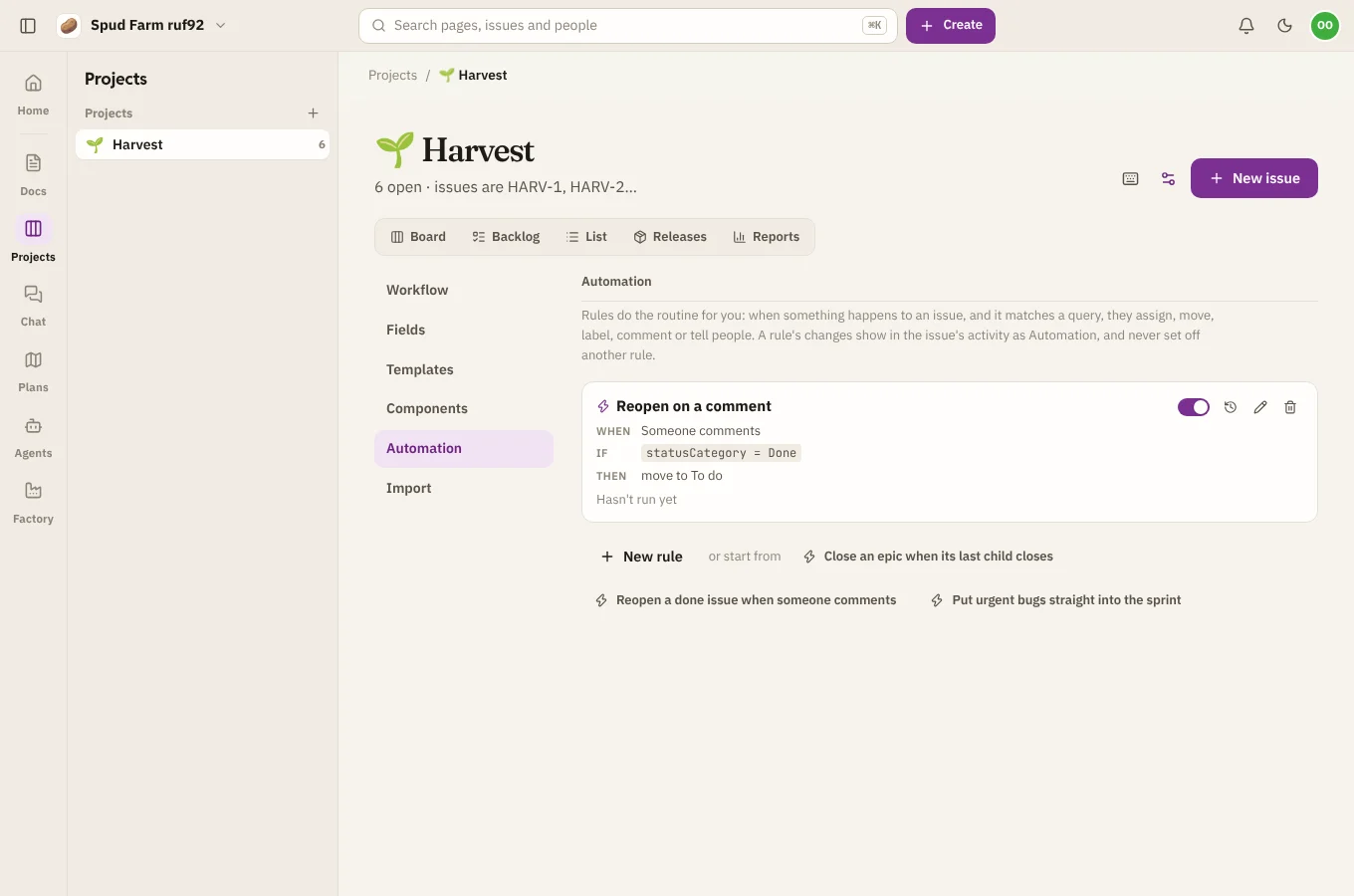
Start from a starter
The quickest way in is a starter. Pick one and adjust it:
- Close an epic when its last child closes
- Reopen a done issue when someone comments
- Put urgent bugs straight into the sprint
Or choose New rule to write your own.
How a rule works
A rule has three parts.
When something happens:
- an issue is filed;
- an issue moves to a status (or any status);
- an issue is assigned;
- an issue's priority changes;
- someone comments;
- an issue's last child closes.
Only if it matches a query (optional), such as type = Bug AND priority = Urgent. See Queries.
Then do up to ten things: assign it, move it to a status, set its priority, add a label, put it in a sprint (the active one or the backlog), comment, or notify people (the assignee, the reporter, the project lead, watchers, or someone you pick).
Good to know
- Rules run straight away, as part of the change that set them off, so you see the result at once.
- What a rule does never sets off another rule, so rules can't loop.
- Moves still follow the project's workflow rules. A move the workflow refuses shows as failed in the rule's log.
- Changes a rule makes show in the issue's activity as Automation with the rule's name, not as a person.
- Each rule shows how often it ran and when. Choose What it did for its log. Turn off pauses a rule without deleting it.